# Inputs
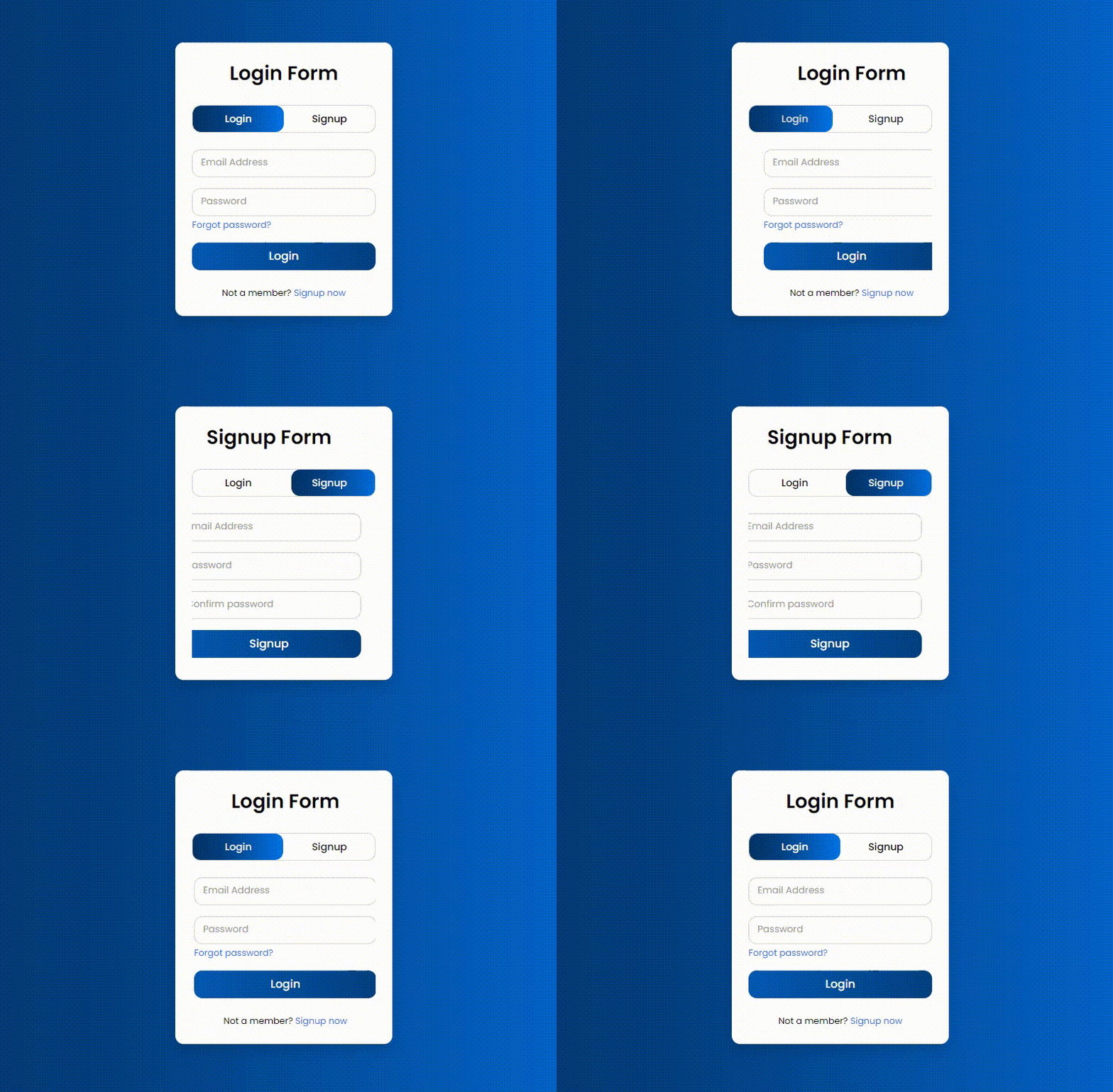
In Shopify, **Input Settings** refer to customizing forms and input fields such as contact forms, search bars, login forms, and checkout fields.
{% hint style="success" %}
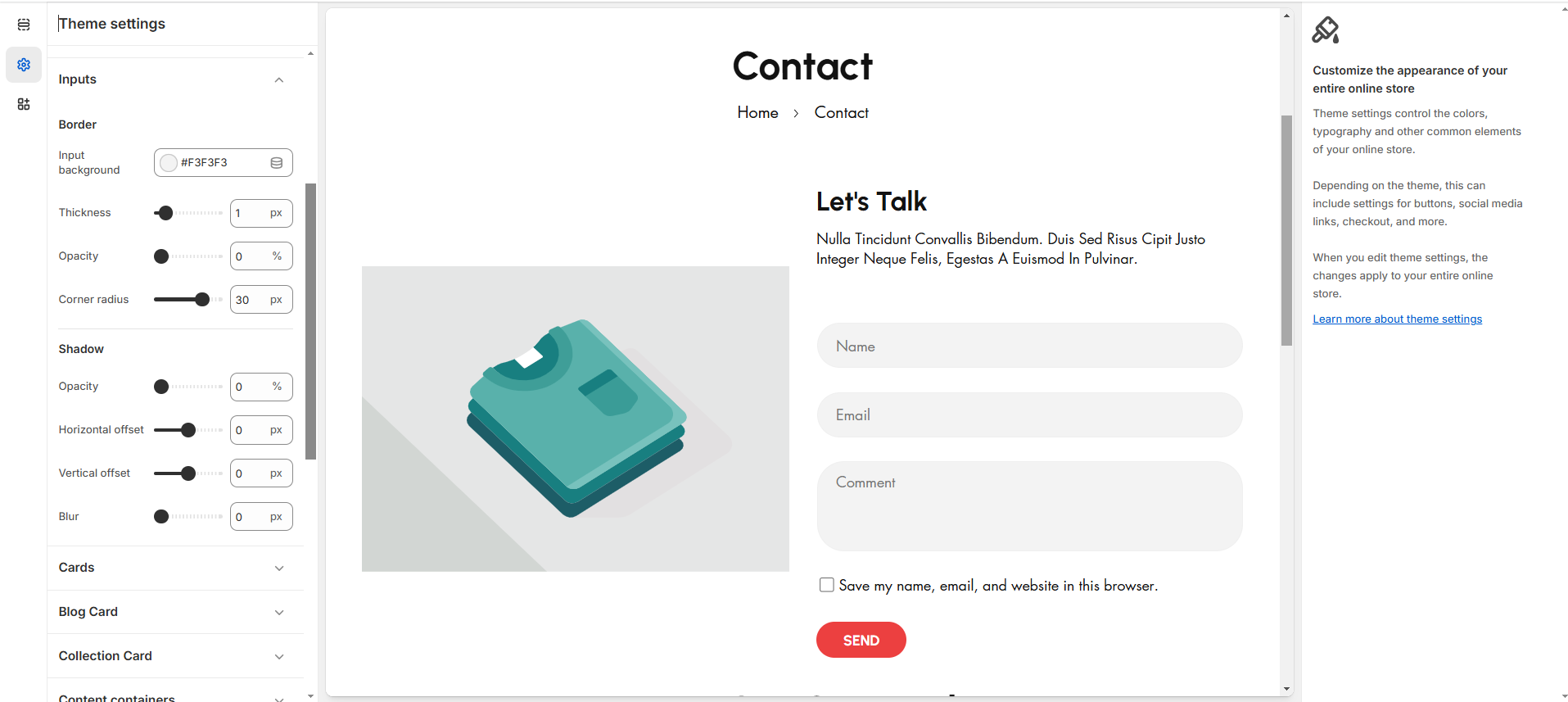
**Step 1 :** In the theme editor (**Customize**), click **Theme settings.**
**Step 2 :** Navigate to the **Inputs** section.
**Step 3 :** Make necessary changes.
**Step 4 :** Click **Save**
{% endhint %}
* **Border Box shadow** can also be adjusted using below options.