# Metafield
**Metafields**: Custom fields to store additional information about products, collections, customers, orders, etc.
### How to Add Metafields:
{% hint style="success" %}
* **Log in** to Shopify Admin.
* Click **Settings** in the left-hand menu.
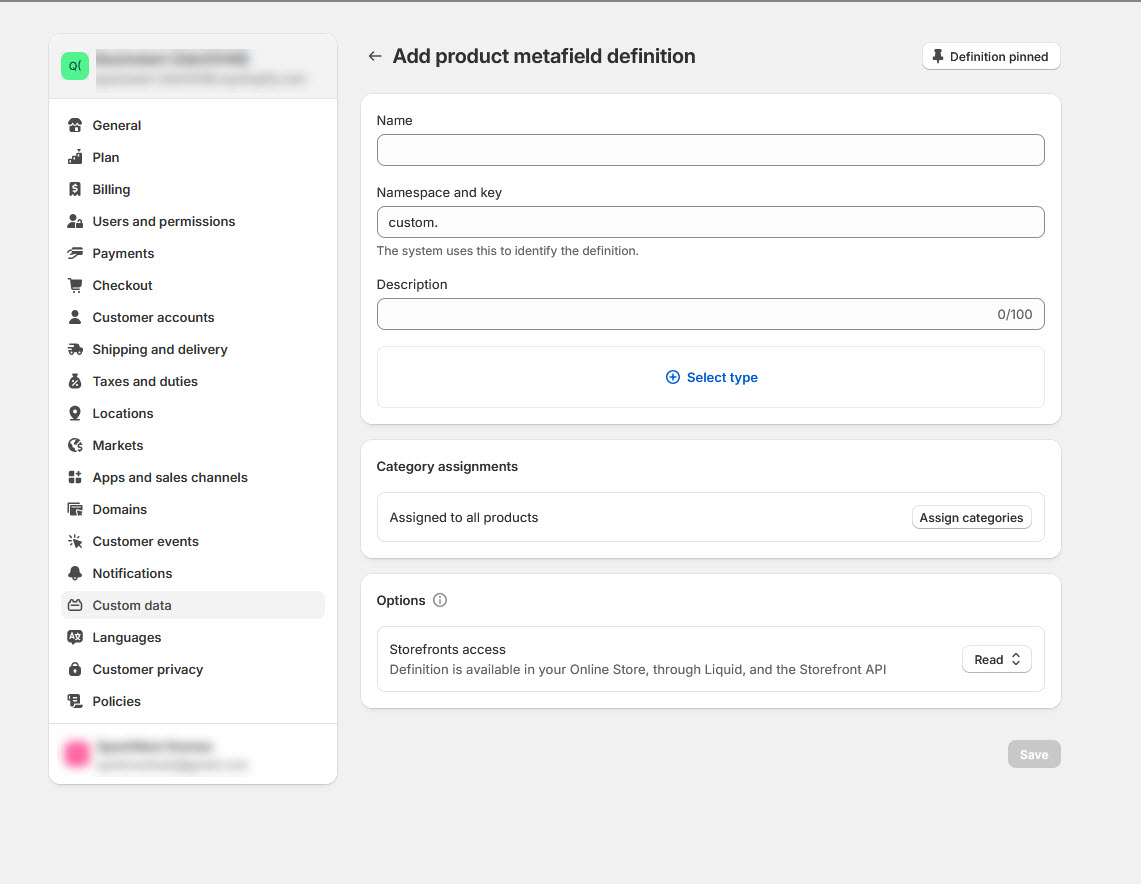
* Select **Settings > Custom data > select and metafield Eg:(Products) > Add definitions**
{% endhint %}
### Steps to Create a New Metafield Definition:
{% hint style="success" %}
* Click **Add Definition**.
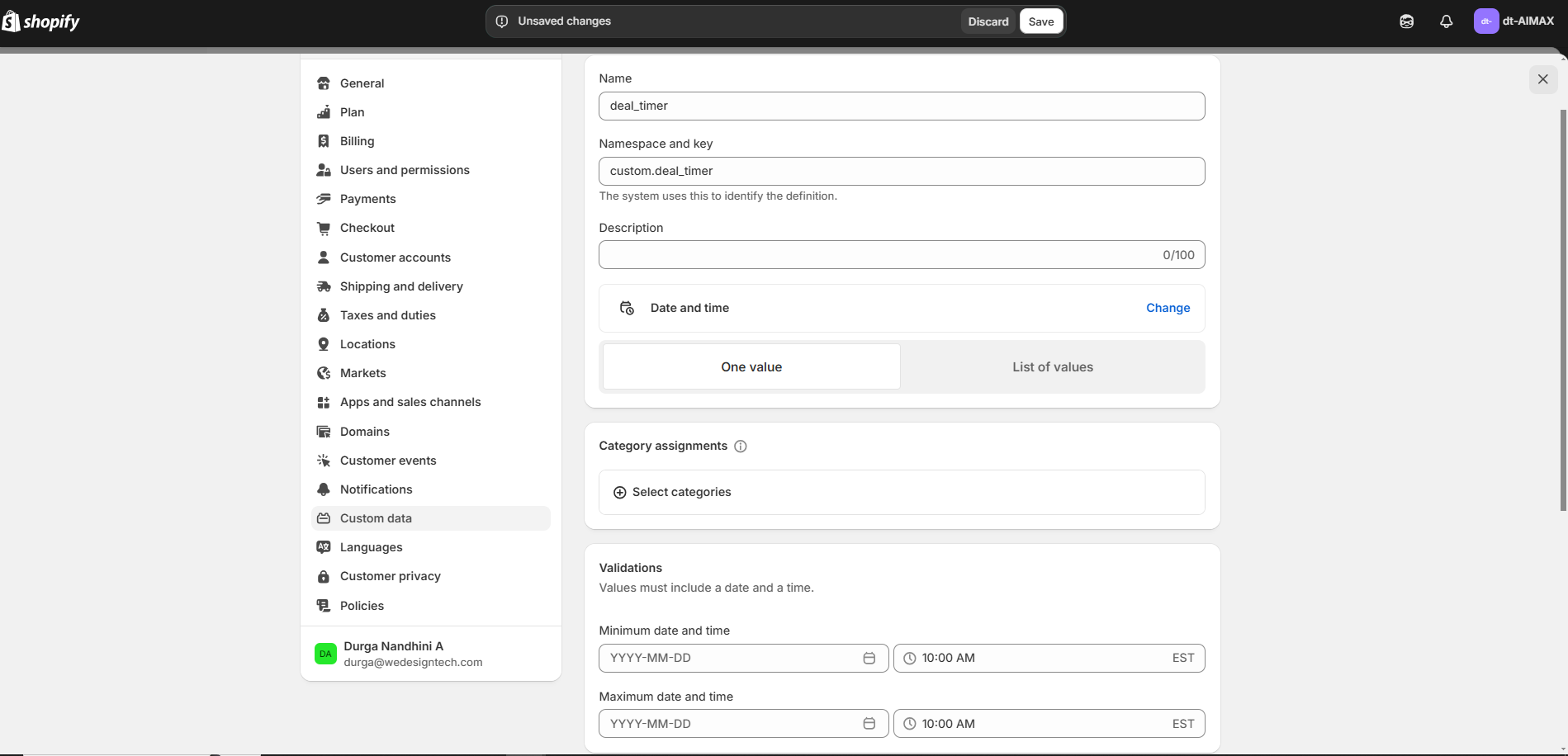
* Enter a **Name** (e.g., "deal\_timer").
* Select a **Namespace & Key** (e.g., `custom.deal_timer`).
* Choose a **Type** (e.g.,date and time) and set minimum and maxmium value
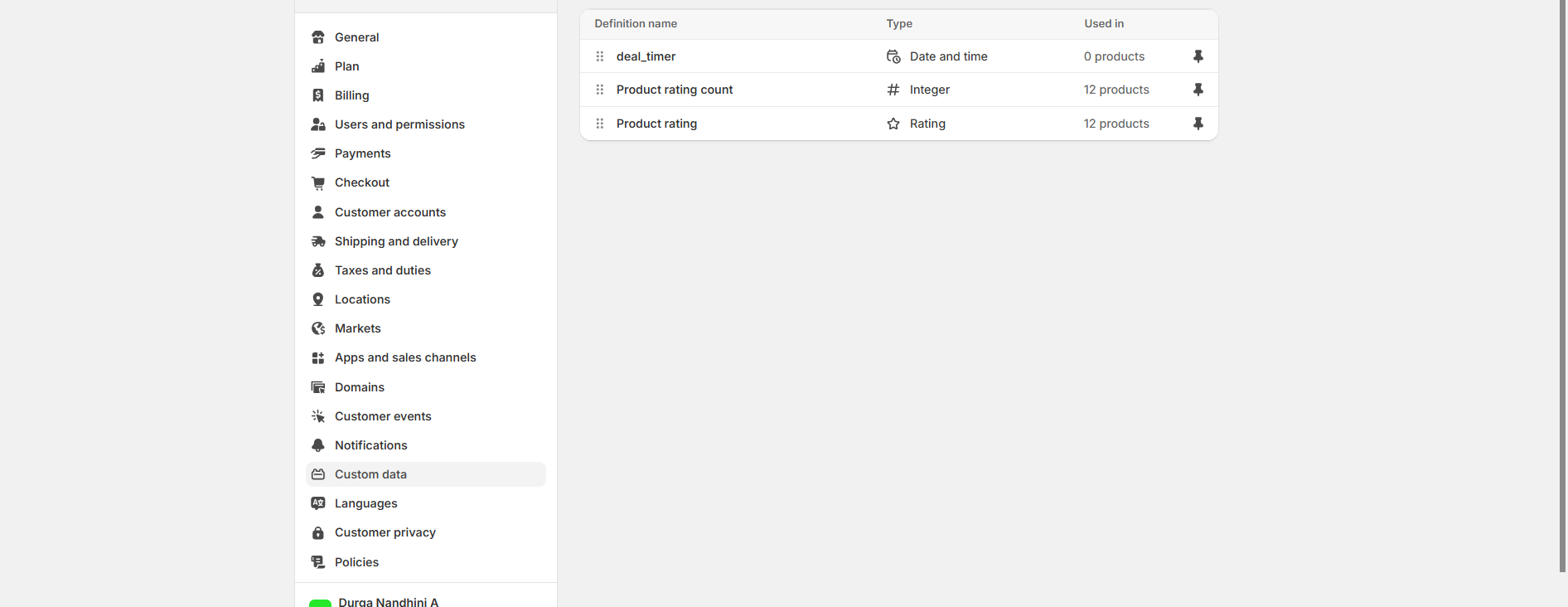
* Click **save**
{% endhint %}
### Adding and Using Metafields in Shopify
{% hint style="success" %}
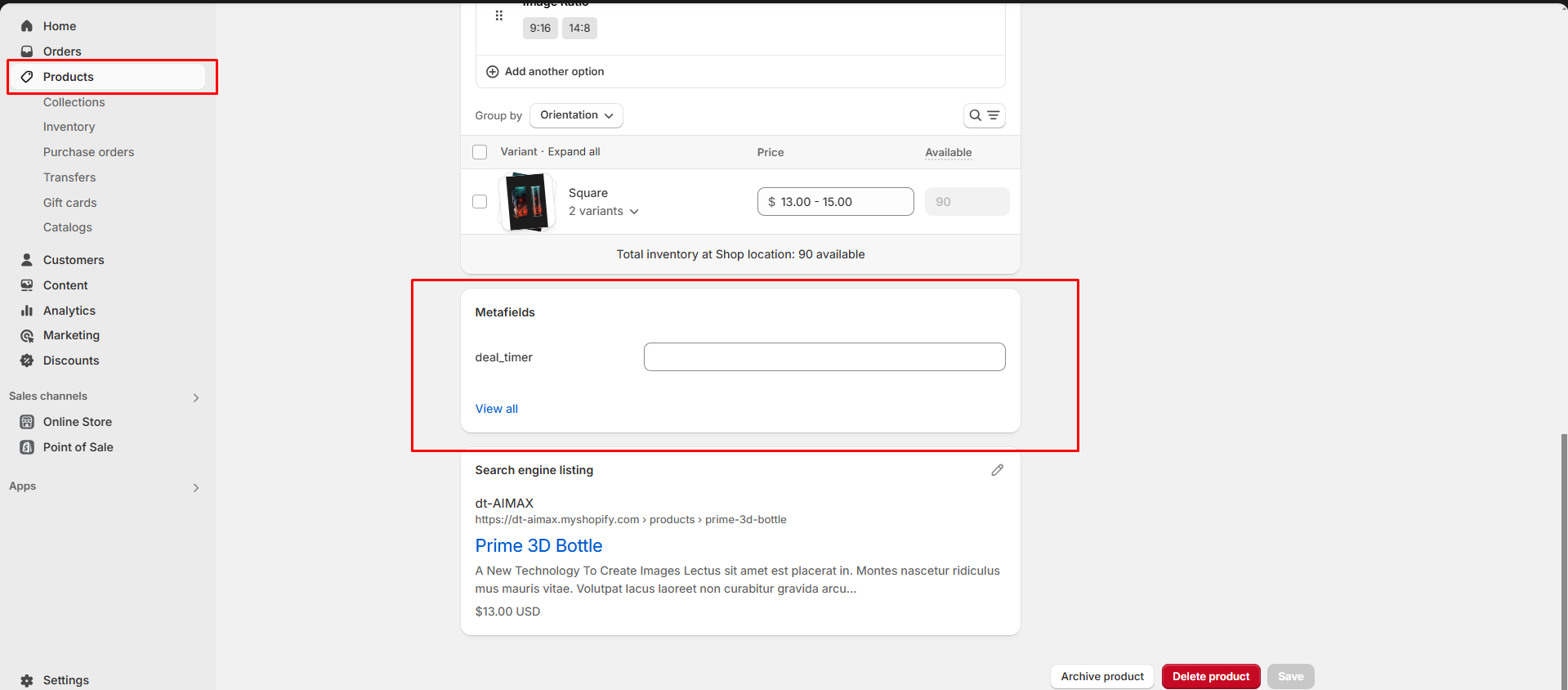
* Go to **Products** in the Shopify Admin.
* Select a **Product** and scroll down to the **Metafields** section.
* Click **Add Value** and enter the required information.
* Click **Save**.
{% endhint %}
### Display Metafields on Product Pages
{% hint style="success" %}
* **Go to** Shopify Admin > **Online Store > Themes**.
* Click **Customize** on your active theme.
* Enable product deal timer
* It will be visible in the products
{% endhint %}